One of the most jarring experiences on the web is watching a page load, seeing a flash of unstyled text and content, and then having everything aggressively rearrange itself. This phenomenon, often called a “Flash of Unstyled Content” (FOUC), is a direct symptom of a fundamental performance bottleneck: render-blocking CSS. While developers diligently async or defer their scripts, they often forget that by default, every external stylesheet brings rendering to a complete halt.
The browser is tasked with painting a meaningful picture for the user as quickly as possible. But when it encounters a standard <link rel="stylesheet">, it must pause everything, fetch that entire file, and parse it before it can paint a single pixel. This delay is the silent killer of good Core Web Vitals scores and the root cause of poor perceived performance.
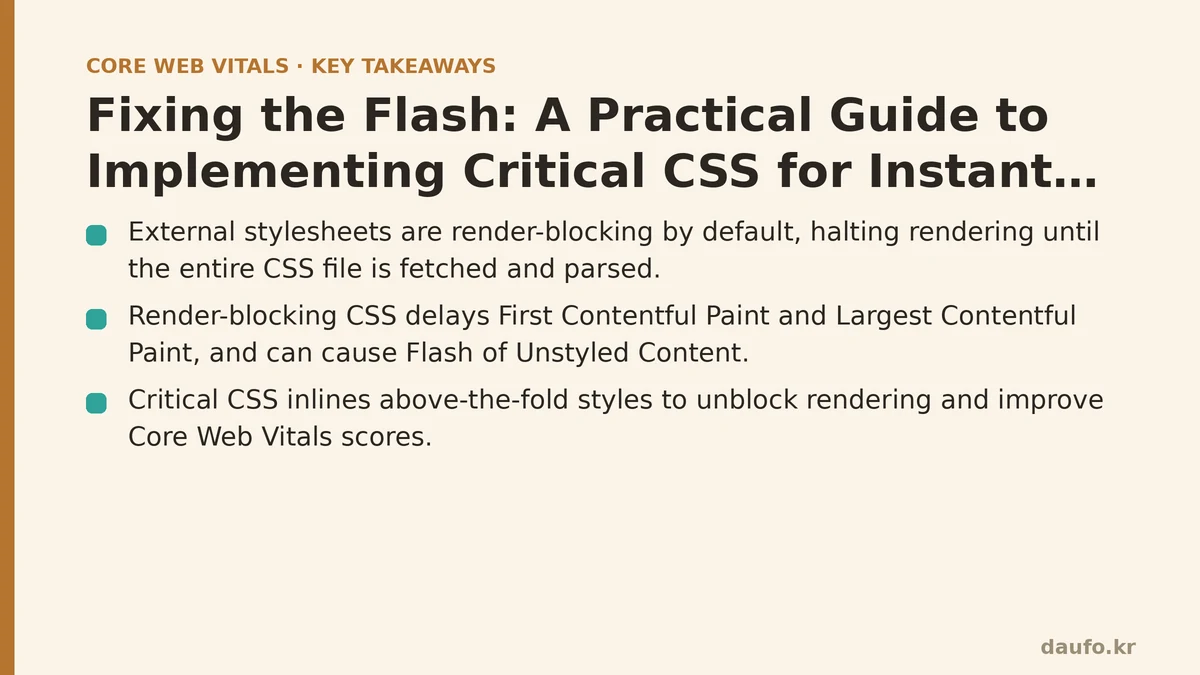
The Core Problem: The CSS Request Halts Everything
To understand the solution, we must first appreciate the problem. Imagine the browser’s rendering engine as an artist trying to paint a landscape. The HTML provides the sketch of what to paint, and the CSS provides the colors and brushes.
The Standard Behavior
<link rel="stylesheet" href="main.css"> <!-- Contains 10,000 lines of CSS -->
- Parse HTML: The artist begins sketching the scene based on the HTML.
- Encounter Stylesheet: The artist sees the instruction for “main.css”.
- STOP Sketching: The artist puts down their pencil. They cannot proceed.
- Fetch & Parse CSS: They must now go to the supply closet, find the entire box of paints (“main.css”), and organize every single color before they can use any of them. This happens even if they only need the color “sky blue” to start.
- Resume Rendering: Only after the entire stylesheet is downloaded and processed can the artist finally pick up a brush and apply the first color to the canvas.
This pause directly delays the First Contentful Paint (FCP) and, more importantly, the Largest Contentful Paint (LCP). The user is left staring at a blank white screen, waiting.
How Render-Blocking CSS Poisons Core Web Vitals
A slow-to-load stylesheet creates a domino effect that topples your key performance metrics. It’s not just about a few milliseconds of delay; it’s about fundamentally disrupting the rendering process.
Largest Contentful Paint (LCP): The LCP element, whether it’s a hero image or a heading, cannot be rendered until the browser knows its style (size, color, position). This information is locked away in that external CSS file. Every millisecond spent downloading that file is a millisecond added directly to your LCP time. A large, unoptimized stylesheet makes a “Good” LCP score of under 2.5 seconds extremely difficult to achieve.
Cumulative Layout Shift (CLS): This is where FOUC becomes a measurable problem. If you try to bypass the rendering block with certain asynchronous loading techniques, the browser might paint the unstyled content first. When the full CSS file finally arrives, it applies styles that shift content all over the page—changing font sizes, moving divs, and resizing images. This results in a terrible CLS score and a frustrating user experience.
First Contentful Paint (FCP): Just like LCP, the very first piece of content cannot be painted until the browser has the CSS rules it needs. A blocking stylesheet is a guaranteed delay for your FCP.
Worth understanding directly: Optimizing CSS delivery isn’t an advanced tweak. It’s a foundational step to unblock the browser and allow it to deliver the fast, stable experience users expect.
The Strategic Solution: Inline Critical CSS
The solution is not to get rid of your CSS file but to split it into two parts:
- Critical CSS: The absolute minimum CSS required to style the “above-the-fold” content—the part of the page a user sees without scrolling.
- Non-Critical CSS: All the rest of your styles (for elements further down the page, interactive states like
:hover, etc.).
The strategy is to take the Critical CSS and place it directly inside a <style> tag in the <head> of your HTML. Then, you load the full, Non-Critical CSS file asynchronously so it doesn’t block rendering.
<head>
  <!-- 1. Inline the Critical CSS directly in the HTML -->
  <style>
    /* The minimal CSS for rendering above-the-fold content */
    body{font-family:sans-serif}
    .hero-title{font-size:2rem;color:#333}
    /* ... and so on ... */
  </style>

  <!-- 2. Load the full stylesheet asynchronously -->
  <link rel="preload" href="main.css" as="style" onload="this.onload=null;this.rel='stylesheet'">
  <noscript><link rel="stylesheet" href="main.css"></noscript>
</head>
This approach is powerful because:
- The browser has the styles for the visible content immediately, without making another network request. It can start painting right away.
- The rest of the stylesheet is downloaded in the background and applied once it arrives, without ever holding up the initial render.
A Practical Workflow for Generating Critical CSS
Manually identifying critical styles is nearly impossible and not scalable. The process must be automated. Modern development toolchains have excellent support for this.
- For Build Processes (Recommended): Use a dedicated library like Critical. It can be integrated into Webpack, Vite, Gulp, or run from the command line. It works by launching a headless browser, loading your page, analyzing the DOM for the above-the-fold viewport, and extracting only the necessary CSS rules.
- For CMS/Platform-based sites: Many platforms (like WordPress or Shopify) have performance plugins or built-in features that can generate and inline critical CSS for you.
- Online Generators: For a quick test or a simple static site, you can use an online tool. You provide your URL, and it generates the critical CSS for you to copy and paste.
Worth checking for your own site: Automating this in your deployment pipeline is the key to success. Your CSS changes over time, and your critical CSS must be regenerated with each build to stay accurate.
Summary Table: Standard vs. Critical CSS
| Aspect | Standard CSS Loading | With Critical CSS Strategy |
|---|---|---|
| Initial Render | Blocked until entire CSS file is downloaded | Nearly Instant (renders with inlined styles) |
| Render-Blocking Requests | Yes (the main stylesheet) | No (main stylesheet is loaded async) |
| LCP/FCP Impact | Negatively impacted by network latency | Drastically improved; foundation for fast paints |
| FOUC/CLS Risk | Low risk of FOUC, but at the cost of blocking | Low risk when implemented correctly |
| User Perception | Page feels slow; user sees a blank screen | Page “just feels snappy” and loads instantly |
The Tangible Result of Critical CSS
Once you correctly implement a Critical CSS workflow, the change is not subtle. The user’s perception shifts from “waiting for the site to load” to “the site is just there.” By delivering the styles needed for the initial viewport directly within the HTML, you eliminate the single biggest bottleneck in the critical rendering path. This directly leads to better LCP and FCP scores and provides the stable, professional experience that keeps users engaged.
Have you tried generating Critical CSS for your main landing page? I’d be interested to see how much it improved your LCP score in PageSpeed Insights. Related guides: Beyond Minification: A Beginner vs. Advanced Guide to Optimizing the Critical Rendering Path, Optimizing Magento and WooCommerce for Core Web Vitals: A Practical Guide, and Diagnosing and Fixing Common Lighthouse Audit Mistakes.
🔗 Recommended Reading
- How to Enable Browser Caching on Your Website: A Beginner's Step-by-Step Tutorial
- Web Performance Monitoring Tools Compared: Lighthouse, PageSpeed Insights, and WebPageTest
- CDN vs. Origin Server: Which to Optimize First for Latency
- Common Mistakes That Break Web Font Performance and How to Fix Them
- Site Speed Optimization for Fintech Websites: Balancing Security, Compliance, and Performance