A CDN caches static assets at the edge. A CDN accelerates dynamic HTML. These are two different jobs, and mixing them up is the first reason a site owner enables a CDN, runs a Lighthouse test, and sees nothing change.
Putting static assets — images, fonts, CSS, JS bundles — behind an edge cache is well understood and usually delivers immediate, measurable wins on time-to-first-byte (TTFB) and Largest Contentful Paint (LCP). Wrapping the HTML document itself in a CDN requires more care, because the HTML is often user-specific, region-specific, or generated per request. When teams enable a full-site CDN and expect every page to speed up, the result is frequently a cache with a very low hit ratio that adds a network hop without saving anything.
The list below covers the mistakes that show up most often when a CDN is deployed but not helping. Each entry follows the same shape: the symptom you observe, the underlying cause, and the fix.
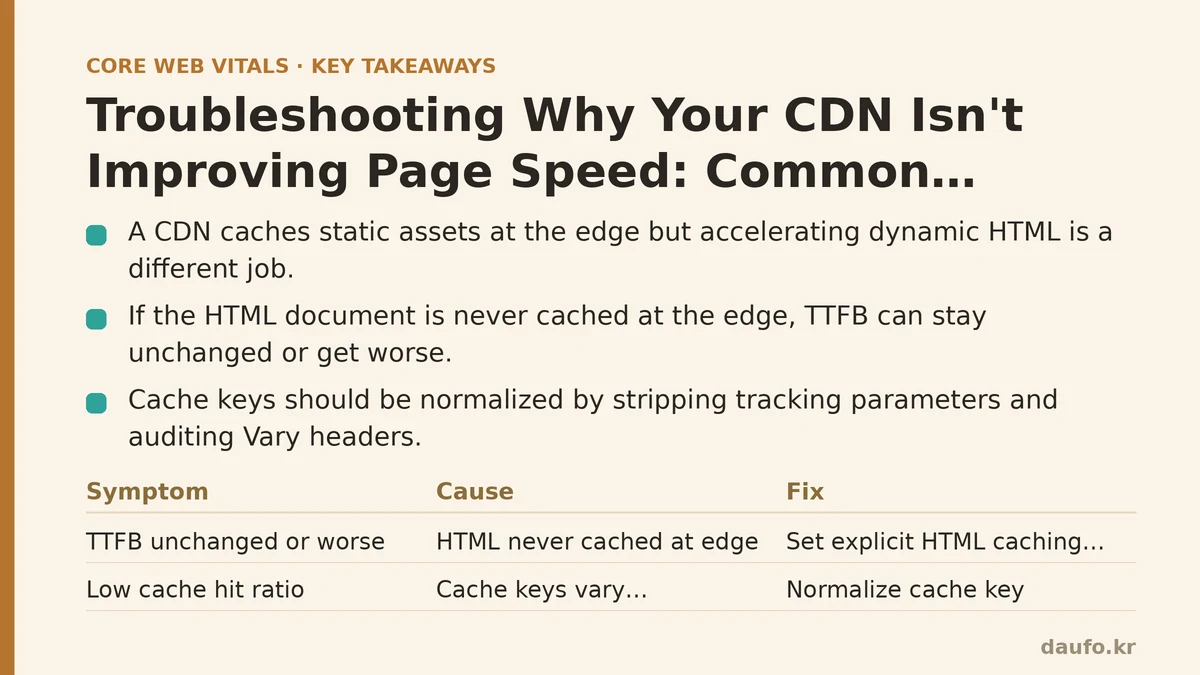
1. Symptom: TTFB unchanged or worse after enabling the CDN
Cause: The HTML document is never being cached at the edge
If your CDN is configured but every request for the root document still hits origin, you have added a round trip to a nearby PoP only to have that PoP forward the request back to a distant origin. TTFB can increase slightly because of the extra hop.
Check the response headers directly:
curl -sI https://example.com/ | grep -iE 'x-cache|cf-cache-status|age|cache-control'
Look for the CDN’s cache status header. Common ones: x-cache (Fastly, CloudFront), cf-cache-status (Cloudflare), x-vercel-cache. If the value is MISS, BYPASS, or DYNAMIC, the edge is not serving a cached copy.
Fix: Give the edge an explicit caching contract
The default for HTML on most CDNs is “do not cache.” You have to opt in. For a static or mostly-static marketing page, a reasonable starting point is a short shared-cache TTL with revalidation:
Cache-Control: public, max-age=0, s-maxage=300, stale-while-revalidate=86400
publicallows shared caches (the CDN) to store the response.max-age=0keeps browsers revalidating.s-maxage=300lets the CDN hold the response for 5 minutes.stale-while-revalidate=86400lets the CDN serve a stale copy for up to a day while it refreshes in the background.
For pages with per-user content, do not cache the full HTML. Instead, cache the static shell and fetch personalization client-side, or use edge-side includes if your CDN supports them.
2. Symptom: Cache hit ratio is low even after TTLs are set
Cause: Cache keys vary by something that should not matter
Most CDNs key the cache on the full URL including query string, plus any header you have told it to vary on. Two frequent culprits:
- Tracking parameters.
?utm_source=newsletterand?utm_source=twitterproduce two different cache entries for identical content. - Vary headers. A
Vary: User-AgentorVary: Cookieon a static asset or HTML response effectively disables edge caching, because almost every request has a unique combination.
Inspect what the CDN is keying on in the cache-status response, and check your origin for Vary headers:
curl -sI https://example.com/about | grep -i vary
Fix: Normalize the cache key
Strip tracking parameters before they reach the cache. On Cloudflare this is done with a Cache Rule or a transform rule; on CloudFront with a cache policy that ignores specific query strings; on Fastly with Vary logic in VCL.
For Vary, audit every value. Vary: Accept-Encoding is normal and required. Vary: Cookie on a page you intend to cache at the edge almost never is — remove it, or move the personalized logic out of the cached response.
3. Symptom: Static assets load fast the first time, then slow again on the next visit
Cause: Missing or weak content hashing in the filename
If your build emits main.css and you set a long max-age on it, users get a stale file after the next deploy. Teams often “fix” this by setting a very short max-age, which defeats the purpose of edge caching and forces revalidation on every visit.
Fix: Fingerprint the filename, then cache aggressively
Emit filenames that change whenever the contents change:
assets/main.9f3c2b1e.css
assets/app.7d4a8e02.js
Because the URL changes when the content changes, you can set essentially permanent caching on those files:
Cache-Control: public, max-age=31536000, immutable
The HTML entry point stays on a short TTL (or no-cache), so it always points to the current asset URLs. This is the standard pattern for a reason: it gives you both instant invalidation and maximum cache lifetime.
When not to use this: files referenced by stable, published URLs — for example, a favicon.ico or a legal terms.pdf that people link to directly. For those, use a shorter TTL and a purge-based workflow instead.
4. Symptom: LCP is fine on desktop but poor on mobile despite the CDN
Cause: The LCP element is not cacheable, or it is cacheable but not preloaded
The CDN can only accelerate bytes it serves. If the LCP element is a hero image loaded with loading="lazy", or a web font requested after the CSS, the CDN is helping, but the browser is not requesting the resource early enough for the gain to show up in the metric.
Fix: Verify the request path, not just the cache status
Fetch the HTML and check how the LCP element is delivered:
<!-- good: early discovery, cached at the edge -->
<link rel="preload" as="image" href="/hero.4a1f.webp" fetchpriority="high">
<img src="/hero.4a1f.webp" width="1200" height="600" alt="...">

<!-- bad: discoverable only after lazy-load JS runs -->
<img src="/hero.4a1f.webp" loading="lazy" alt="...">
Then confirm the file is edge-cached on its own:
curl -sI https://example.com/hero.4a1f.webp | grep -iE 'cache-control|x-cache|cf-cache-status|age'
If the header shows age growing, the asset is being served from the edge. If it shows a MISS every time, check whether the asset path is excluded from the cache rule, or whether the CDN tier you are on caches that content type at all.
5. Symptom: The CDN helps on one hostname but not another
Cause: Only one subdomain is behind the CDN
It is common to put www.example.com behind the CDN and forget cdn.example.com, static.example.com, images.example.com, or the apex example.com. Users who reach the site on the unprotected hostname get no benefit and no clear error.
Fix: Enumerate every hostname that serves production traffic
Start from the HTML and CSS and list every origin referenced:
curl -s https://example.com/ \
  | grep -oE 'https?://[^"'\'' ]+' \
  | sort -u
Then confirm each one resolves to the CDN’s edge. Anything that resolves directly to an origin IP is a leak. Either move that hostname behind the CDN or accept that it will not benefit.
6. Symptom: Pages are fast in one region and slow in another
Cause: Origin is single-region and the CDN is not shielding it
A CDN PoP in Singapore can serve a cached asset instantly. But if the HTML cache is cold, the PoP backfills from an origin in Virginia, and the round trip is long. On a large site with many PoPs and a modest cache hit ratio, the origin sees a lot of backfill traffic and becomes the bottleneck — the CDN is amplifying the load rather than absorbing it.
Fix: Enable origin shield or tiered caching
Origin shield (Cloudflare, CloudFront, Fastly call it by different names) inserts one intermediate caching layer that all PoPs backfill through. Instead of 40 PoPs each hitting origin, one shield PoP does, and the rest hit the shield.
Trade-off: the shield adds a hop for that first backfill. It pays off when your cache hit ratio is high enough that most requests never backfill at all, and when your origin is geographically centralized. On a site with a very low hit ratio, the shield does not help — you need to fix caching first.
Verification checklist
Once you have applied a fix, confirm it with a repeatable check rather than a one-off browser reload.
| Check | Command or tool | What “fixed” looks like |
|---|---|---|
| HTML is edge-cached | curl -sI URL for cache-status header | HIT or an age value greater than 0 |
| Asset TTLs are correct | Same curl -sI on a hashed asset | cache-control includes long max-age and immutable |
| Cache key is not bloated | CDN dashboard, cache-key analytics | Hit ratio trending up after parameter stripping |
| Every hostname is behind the CDN | dig +short HOST | Result resolves to the CDN, not the origin IP |
| TTFB is measured at the edge | Chrome DevTools, Server Timing header | Edge TTFB lower than origin TTFB for the same URL |
Run the same checks in two browsers and, ideally, two networks. A CDN result that only holds on the office Wi-Fi is not a result.
When a CDN is not the right lever
If your content is highly personalized, your HTML is generated per request with a short tail of cached responses, or your bottleneck is client-side JavaScript execution rather than network time, a CDN will move the needle much less than expected. In those cases the higher-leverage fixes tend to be: reducing JS bundle size, deferring non-critical work, and moving personalization out of the blocking HTML path.
Measure first, cache second. The header output from a single curl -sI will tell you more about whether your CDN is working than any dashboard summary.
Related guides: Caching Strategies for Beginners: A Step-by-Step Guide to Faster Page Loads, How to Set Up a CDN for Beginners: A Step-by-Step Performance Guide, and Troubleshooting Slow Server Response Times: Common Mistakes and Fixes.
🔗 Recommended Reading
- How to Enable Browser Caching on Your Website: A Beginner's Step-by-Step Tutorial
- Web Performance Monitoring Tools Compared: Lighthouse, PageSpeed Insights, and WebPageTest
- CDN vs. Origin Server: Which to Optimize First for Latency
- Common Mistakes That Break Web Font Performance and How to Fix Them
- Site Speed Optimization for Fintech Websites: Balancing Security, Compliance, and Performance